1.
Click the button below
Start the download from the official website.

The desktop app puts sports betting, live casino, roulette, slots, and table games on your computer. It supports Windows and macOS, is free to download, and mirrors the website features while delivering faster loading, stable sessions, and full-screen play.

The PC app brings the full platform to your computer: quicker page loads, steady performance, and a distraction-free, full-screen interface.
PC Client Size
About 150 MB
Available Languages
English, Swahili, French, Portuguese, Spanish
Category
Sports betting, Online casino, Live casino, Slots, Table games, Instant games
Compatible with Windows
Windows 7, 8.1, 10, 11
Compatible with macOS
macOS 10.13 High Sierra or later (Mojave, Catalina, Big Sur, Monterey, Ventura, Sonoma)
Here is a quick look at the benefits and the few trade-offs of installing the desktop client. Use this to decide if the computer app suits your betting and casino play.
| Pros | Cons |
|---|---|
| Faster loading than the website in most cases | Needs installation and storage space |
| More stable sessions for long betting slips and live streams | Occasional updates required |
| Full-screen casino tables and live games | Not ideal on shared office PCs |
| Quick bet slip and keyboard shortcuts for fast action | |
| Fewer browser-related crashes or tab limits | |
| In-app notifications for results and offers | |
| Built-in live chat and helpful account tools |
The Windows app runs on most PCs and laptops in Kenya. Minimum specs: Windows 7 or newer, 4 GB RAM, 200 MB free space, and a stable internet connection. To download MegaPari for Windows, follow the process below.
Start the download from the official website.
Save the .exe file to your computer.
Double-click the file and allow the installer to make changes.
Click More info, then Run anyway if prompted.
Pick the installation path and complete the setup.
Open it from the desktop shortcut.
Sign in to your account or create one in-app.
Right-click the icon and pin it to the taskbar.
The Mac app supports Intel and Apple silicon devices on macOS 10.13 High Sierra or later. Installation is simple and takes a few minutes.
Start the official download.
Save the .dmg to your Mac.
Open the .dmg and drag the app into Applications.
Control-click the app, choose Open, then confirm in Privacy & Security if prompted.
Open it from Applications or Spotlight.
Enter your account details or create a new account.
Allow notifications for results and offers.
Keeping the app updated improves performance, security, and game compatibility. Updates also add new features and fix bugs.
Launch the app to access the betting site.
Go to Menu > Settings > Check for updates, or accept the update prompt.
Download the package and let the app restart.
Go to Menu > About to confirm the latest version number.
Create your account in minutes and get access to betting markets, live casino, and promotions tailored for Kenya. Registration gives you a secure login, fast deposits, and full account controls.
Launch from the desktop or start menu.
Find the button on the top of the app window.
Phone, email, one-click, or social networks if available.
Enter details, set a strong password, choose currency (KES), confirm by SMS or email, and agree to the terms.

You do not have to install the PC app to enjoy betting and casino games. The official website offers full functionality, including registration, deposits, withdrawals, and live betting. You can access the same markets, providers, and account tools. Use the site on any compatible computer browser anytime.
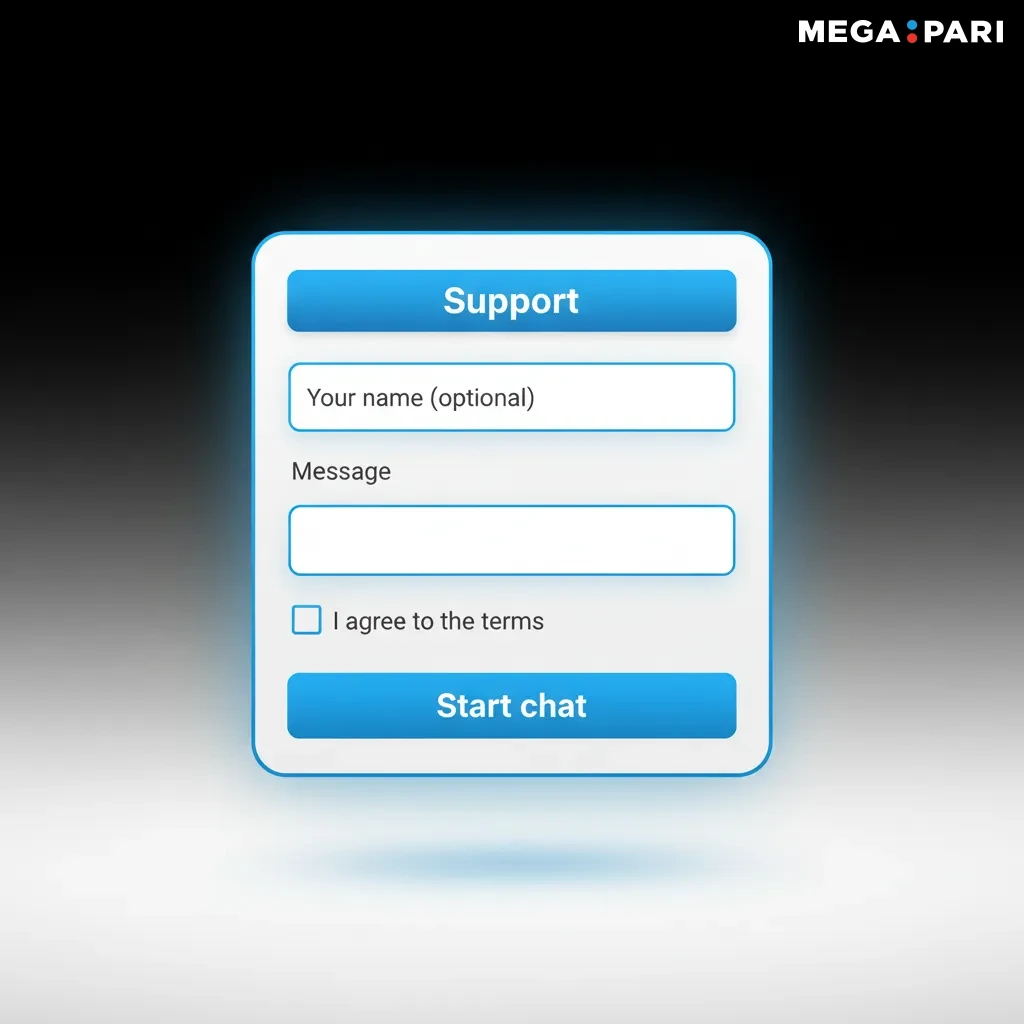
Help is available 24/7 for desktop users in Kenya. Choose any of the contact options below for quick assistance.
Yes. The desktop client is free to download and install.
Yes. One account works across PC, mobile apps, and the website.
Windows 7 or macOS 10.13, 4 GB RAM, 200 MB free space, and a stable internet connection.
Data use is moderate. Preloaded assets can reduce repeat downloads compared to a browser.
Open Account settings, select Responsible gaming, and set your preferred daily, weekly, or monthly limit.
Updated: